 11
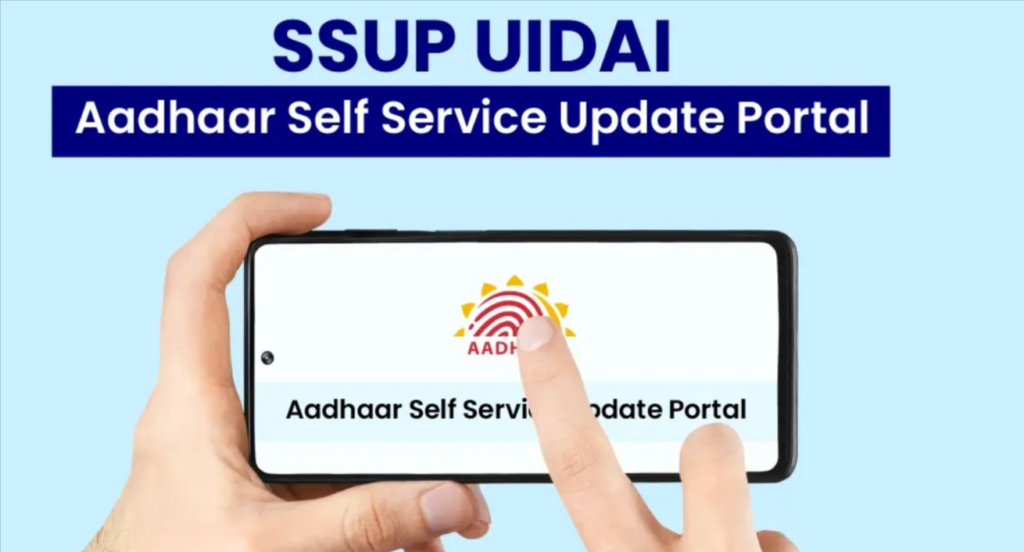
SSUP Portal stands for Self Service Update Portal, run by UIDAI (Unique Identification Authority of India). It lets Aadhaar holders update some details online instead of visiting an enrolment centre. Sources I found show that UIDAI has been steering these services to the myAadhaar portal (myaadhaar.uidai.gov.in), and older guides still point to ssup.uidai.gov.in. Always start from the official UIDAI site, uidai.gov.in, to reach the current update page.
Not possible online: biometric updates (fingerprints, iris, photo) and, per some sources, changes to your mobile number require an Aadhaar enrolment centre. The portal also needs your mobile number already registered with Aadhaar.
Online
Without address proof
Offline
Online
Other ways
| Issue | What to do |
|---|---|
| OTP not received | Check that your mobile number is registered with Aadhaar, check network, wait and resend. If the number isn’t linked, update it at a centre first |
| Portal not loading or timing out | Try again later or off-peak, use another browser, clear cache, and use the official uidai.gov.in links |
| SSUP link not working | The old SSUP address may be outdated; navigate via uidai.gov.in to myAadhaar |
| Document rejected | Upload a clearer, valid, readable proof that matches the new details and is on UIDAI’s accepted list |
| Details mismatch | Enter the address/name exactly as shown in the supporting document |
| Request rejected | Fix the reason noted, then reapply or visit a centre |
| Lost URN/SRN | Check your SMS or confirmation, retry status lookup, or call 1947 |
| Status stuck | Allow a few days, check again, then call 1947 or visit a centre |
| Address Validation Letter not arrived | Wait the usual postal time, then check the SRN status or contact UIDAI |
| Payment failed | Check your bank for deduction, retry, and keep the transaction reference |
| Fake websites | Only use uidai.gov.in and myaadhaar.uidai.gov.in |
The Self Service Update flow is the quickest way to keep your Aadhaar current, especially your address, if your mobile number is registered. Keep your URN safe, use only official UIDAI links, and go to an enrolment centre for biometrics or when the online route doesn’t work.
What is SSUP?
Self Service Update Portal, UIDAI’s online tool for updating Aadhaar details. Its functions now sit largely within myAadhaar.
Is a registered mobile number compulsory?
Yes, for the OTP-based online update.
Can I update my mobile number online?
Sources differ. Many say it must be done at an enrolment centre. Check the current options on UIDAI.
What can’t be updated online?
Biometrics (fingerprints, iris, photograph).
What’s a URN?
A 14-digit Update Request Number given when you submit an update. It’s used to track the request. An SRN is a separate service request number, for example for validation letters.
How long does an update take?
It varies, and sources don’t agree. Check your status regularly and call 1947 if it seems stuck.
Is it free?
It depends on UIDAI’s current fee rules. Check the portal at the time of submission.
What if I have no address proof?
Request an Address Validation Letter and use the secret code.
Can one URN be used for several requests?
No. Each URN belongs to one update request.
UIDAI helpline?
1947 (toll-free).
This content is for general information only. We are not affiliated with UIDAI, the Government of India or the SSUP/myAadhaar portals. Procedures, fees, portal links, accepted documents and processing times may change, and some details come from third-party sources, so please verify them on uidai.gov.in or myaadhaar.uidai.gov.in before acting. We do not process Aadhaar updates. Never share your Aadhaar OTP, biometrics or personal documents with unknown people or unofficial sites, and avoid agents promising guaranteed updates for a fee. We accept no liability for loss or inconvenience arising from use of this information.