 11
HPCL Portal is an online platform run by Hindustan Petroleum Corporation Limited (HPCL) for people and firms who do business with the company, such as retail outlet (petrol pump) dealers, HP Gas distributors, lubricant and direct-sales partners, and transporters. It is not the portal for ordinary LPG consumers, who use HP Gas / MyHPGas instead. The commonly cited address is sales.hpcl.co.in/bportal.
| Particular | Details |
|---|---|
| Portal name | HPCL Business Portal (Sales / B-Portal) |
| Owned by | Hindustan Petroleum Corporation Limited (Maharatna PSU, HQ Mumbai) |
| Website | https://sales.hpcl.co.in/bportal/ |
| Users | Retail dealers, LPG distributors, lubricant and direct-sales partners, transporters, vendors |
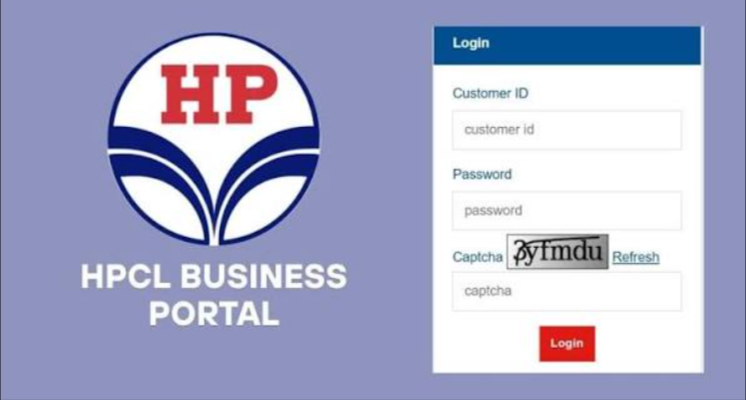
| Login credentials | HPCL Customer ID and password |
| Password reset page | Via “Forgot Login ID/Password” on the login page (reported as sales.hpcl.co.in/bportal/login/chn_pass.jsp) |
| Related portal | HP Gas / MyHPGas for LPG consumers |
| Corporate HQ | Petroleum House, 17 Jamshedji Tata Road, Mumbai 400020 |
| HP Gas toll-free | 1800-2333-555 |
| LPG leak emergency | 1906 (24×7) |
It’s HPCL’s digital channel for its commercial partners. It provides information on business opportunities (petrol pumps, LPG agencies, lubricants, direct sales) and lets existing partners log in with their customer ID to handle day-to-day business with the company, such as orders, invoices and documents.
Reported by third-party sources, and some of these articles are promotional, so exact modules may differ for your category:
Registration
Partner accounts are generally tied to HPCL customer/dealer codes, so if you’re an existing dealer or distributor, your HPCL sales officer or regional office can guide you. New business seekers should check the opportunities section of the official HPCL site.
Login
If it fails, contact your HPCL sales officer or regional office to have the account checked, including your registered email and mobile details.
For portal login problems, use your regional/sales office. A third-party site lists +91 22 2286 3900, but verify numbers on HPCL’s official site.
The HPCL Business Portal is a partner-facing gateway to HPCL’s commercial services. Use only the official address, keep your customer ID and password private, and go through your HPCL sales officer for account or access problems.
Who can use the HPCL Business Portal?
HPCL business partners such as dealers, distributors, transporters and vendors.
Is it for LPG customers?
No. LPG consumers use HP Gas / MyHPGas and the HP Gas helplines.
What do I need to log in?
Your HPCL Customer ID and password.
What if I forget my password or ID?
Use Forgot Login ID/Password, or ask your sales officer.
How do I start a business with HPCL?
Check the business opportunities section for petrol pumps, LPG distributorships, lubricants and direct sales.
Where do I complain about a dealer or distributor?
Use the Complaints and Feedback page on hindustanpetroleum.com or call 1800-2333-555. HPCL aims to respond to complaints within 14 days.
What number do I call for an LPG leak?
1906, 24×7.
This content is for general information only. We are not affiliated with HPCL, the Government of India or the HPCL Business Portal. Features, URLs, contact numbers and procedures may change, and some details were compiled from third-party sources. Please confirm on the official HPCL website, hindustanpetroleum.com, or with your HPCL regional office. We don’t create accounts, reset passwords or handle orders. Never share your customer ID, password or OTP, and beware of fake sites or calls. We accept no liability for loss or inconvenience arising from use of this information.